
Unwishlist
Remember the stays you already ruled out.
Mark travel listings you've already rejected while browsing. Never waste time reviewing the same stays twice.


How it works
Four simple steps to stop reviewing the same rejected listings over and over.
02
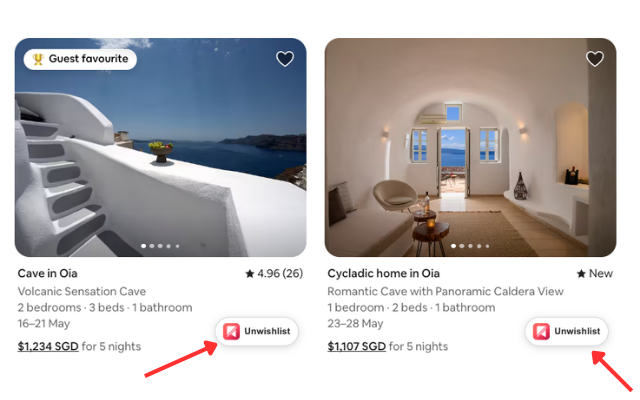
Click Unwishlist button
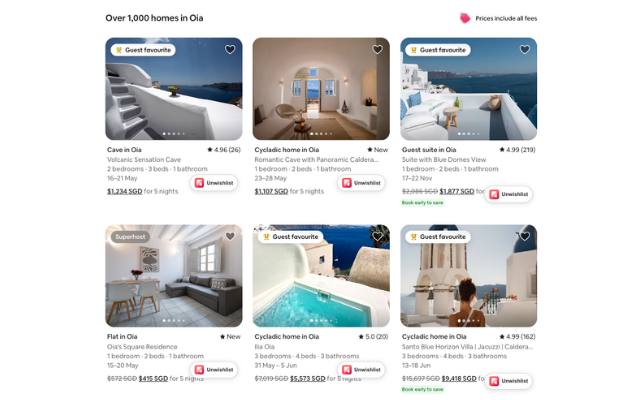
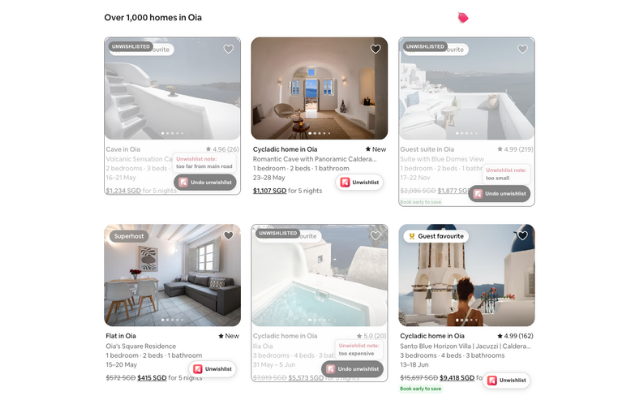
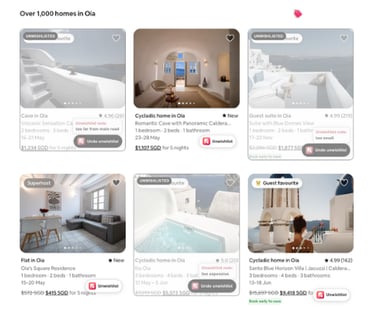
When you find a listing you want to skip, click the Unwishlist button that appears on the listing card.
01
Search on supported travel sites
Browse Airbnb, Booking.com, Agoda, Trip.com or any of our suggested sites as you normally would when planning your trip.
03
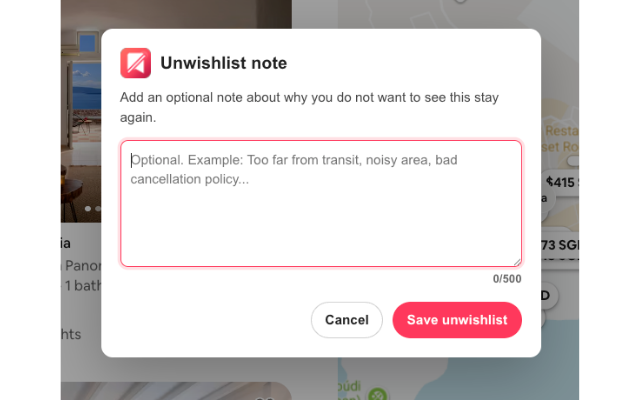
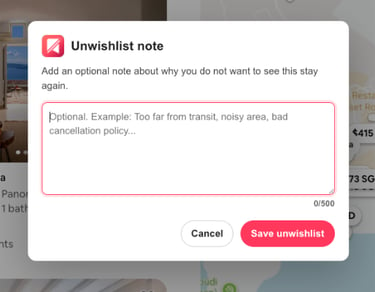
Add optional note
Optionally add a quick note about why you ruled it out. This helps you remember your reasoning later.
04
Recognize unwishlisted stays later
Unwishlisted listings show a visual indicator so you can skip them instantly when they appear again.
Supported sites
Unwishlist works on these popular travel booking platforms.
Airbnb
Agoda
Booking.com
Trip.com
More supported sites coming soon!







We want to hear from you
Found a bug, have a feature request, or want us to support another travel site?
Tell us what would make Unwishlist more useful for your trip planning. Your feedback helps us improve the tool and decide what to build next.
© 2026. All rights reserved.